How to catch the bus
Find out what to do before, during and after your bus trip - from planning your journey and finding your stop to paying your fare, getting on board, and reaching your destination.
How to plan your journey
If you've got a smartphone, the easiest way to plan your journey is to use the Transit app. The Transit app helps you to find your nearest bus stop, and see service alerts so you know about interruptions and detours. You can also use the Transit GO feature, which helps you along your journey in real time. The Transit GO feature even gives you an alert when you are approaching your destination, so you don't miss your bus stop.
The Transit app is free to download from the Apple App Store or Google Play Store from your smartphone:
Download Transit from the Apple App Store
Download Transit from the Google Play Store
Our bus routes, schedules and stops are also loaded into Google Maps and Apple Maps. Just be sure to select the 'public transport' option when planning your journey.
How to catch a bus
At the stop
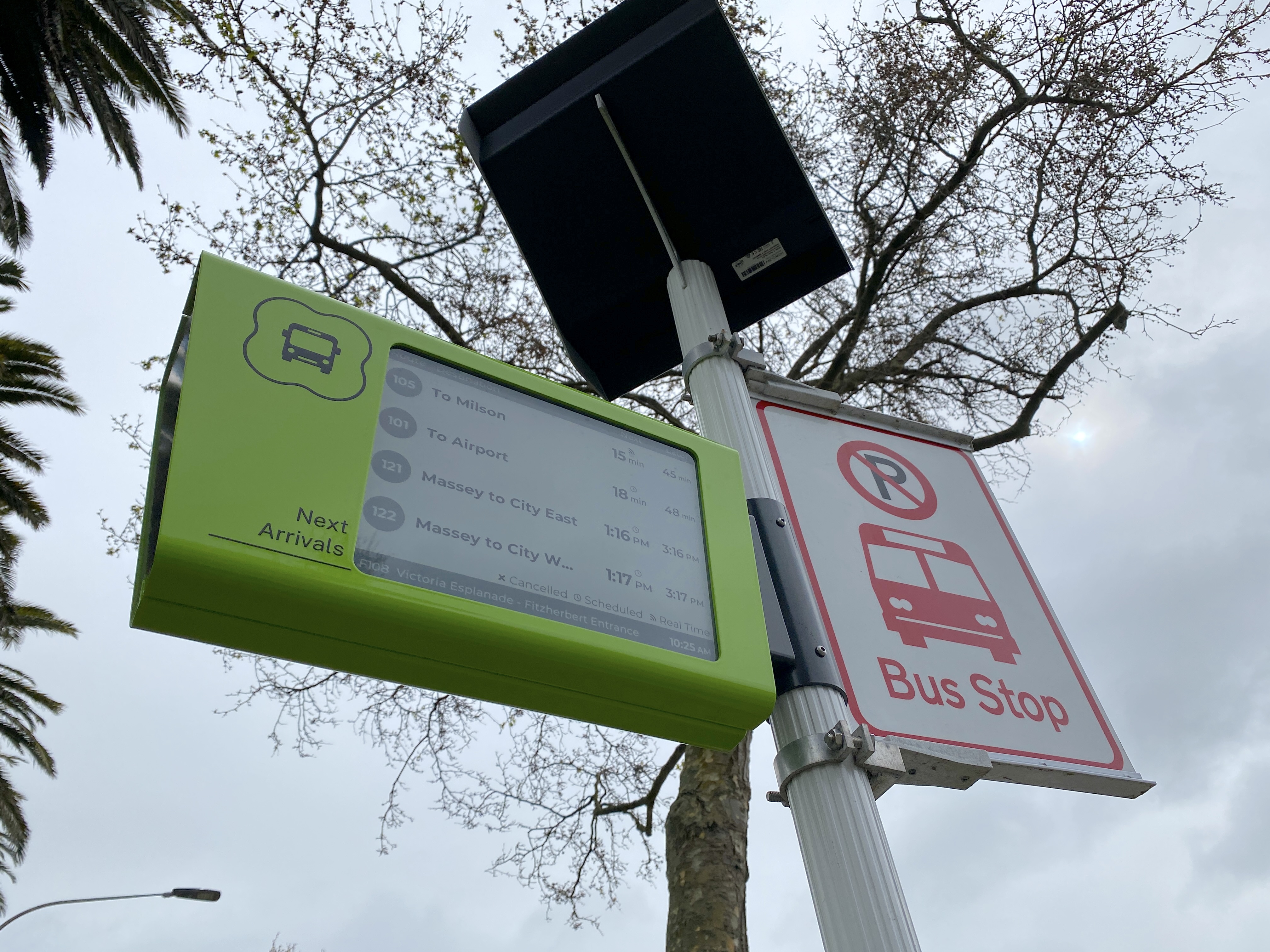
Find your closest stop by using the Transit App, Google Maps, Apple Maps, or a timetable. Be sure you know which bus you have to catch - the number of the route is a good way to remember.
Be at your bus stop 5 minutes before your bus is scheduled to arrive.
When the bus is approaching, check the route number and destination displayed on the front of the bus.
If it is your bus, give the driver a friendly wave to signal the bus to stop and collect you. This is important, as some stops will have different bus routes go past and drivers need to know if they need to collect you or if you're waiting for a different route.
Have your fare ready. Either tap your Bee Card on the reader (usually to the right as you get on) or pay the driver.

On your ride
Take a seat or hold onto the railings if there are no easily accessible seats. If standing, stand clear of the doors.
Please offer your seat to someone who may need it more than you. Elderly passengers, pregnant and disabled people, and families would appreciate the ability to sit down.
Be courteous of others by holding your bags, putting them at your feet/on your lap, or storing them in the luggage areas.
Buses may stop at scheduled stops for a few minutes if they're running ahead of schedule. This is to make sure people don't miss the bus if it's running early.
Keep an eye on where you're going so you know when you're getting close to the stop where you want to get off. The Transit app is helpful for this, as the Transit GO function will give you an alert when you're getting close to your stop.

Hopping off
As you get near to your stop, press the stop button. Be sure to look and see the 'Bus Stopping' sign is lit. If it isn't, press the stop button again or try pressing a different button.
Stay seated (or, if you're standing, keep holding a handle) until the bus stops. Take this time to make sure you have all of your belongings.
Once the bus stops and you have your belongings, head towards the nearest exit. Tag off if you're using your Bee Card.
And always remember to thank the driver!

How to pay for your ride
There are two ways to pay for your bus ride: Bee Card or cash. If you're paying cash, please use exact change. You can find fare information here, or inside a physical timetable.
The easiest and cheapest way to pay for your bus ride is with a Bee Card. Fares are lower with Bee Cards than with cash. Using a registered Bee Card means you can access fare capping. Fare capping means you only pay for a certain number of bus trips each week - from that point on, all trips on our services are free. You can learn more about fare capping here.
Bee Cards can be purchased in the following places:
on the bus (cash only - pay $10 and get a card loaded with $5 credit)
online at beecard.co.nz
in person at either the Palmerston North or Whanganui iSite
at Horizons Regional Council's Palmerston North and Whanganui offices.
Register your Bee Card
It's best to register your Bee Card. Registering means you can top up your Bee Card online and access fare capping.
To register your Bee Card:
Visit beecard.co.nz.
Create an account.
Select 'Register Card to Account' by clicking the button on the right side.
Follow the instructions on the screen.
Once you've done this, your card is registered and you're able to top up online and get those free trips under fare capping.
Onboard accessibility
All buses can be lowered when you board or depart if the stop is too high - just ask the driver.
All Connect buses are wheelchair accessible via the front door. Mobility aids (wheelchairs, prams, etc) and disability assistance dogs are welcome on the bus.
Carers ride for free if you need assistance getting on and off the bus.

Passenger information
Stay informed with the latest on what you need to know as a passenger on one of our Connect routes.

Fare Information
Find out how much your Connect journey will cost, how fares are calculated, and how concessions, fare caps and free transfers can help make travelling by bus more affordable.

Bee Card and Motu Move

Policies and Guidelines
Read our policies and guidelines for travelling on any Connect service in the region.

Transit App
The Transit app is free to all bus users in the Horizons Region, and makes it easy to plan your journey.